Ingoing Cell Signals
Description
This section outlines the process of assigning a throttling rule for all signals received over a cell connection.
Steps to Create Assignment
-
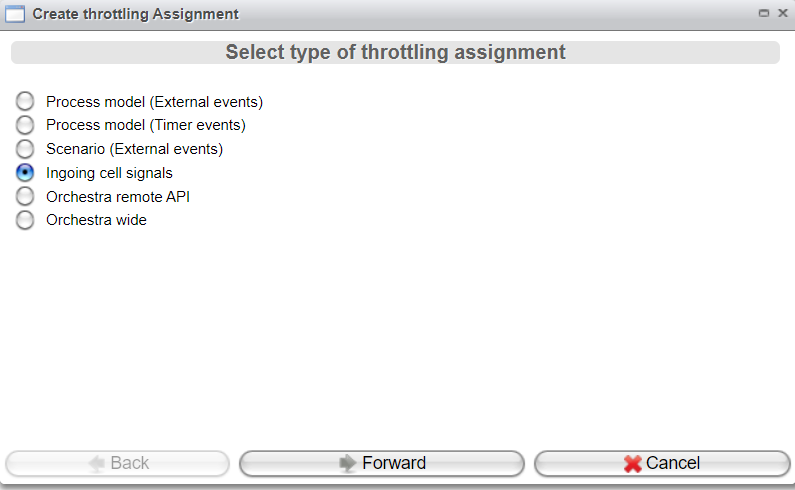
Click the Create Assignment button in the Throttling Assignment tab of the Throttling view.
-
Select
Ingoing cell signalsand click Forward.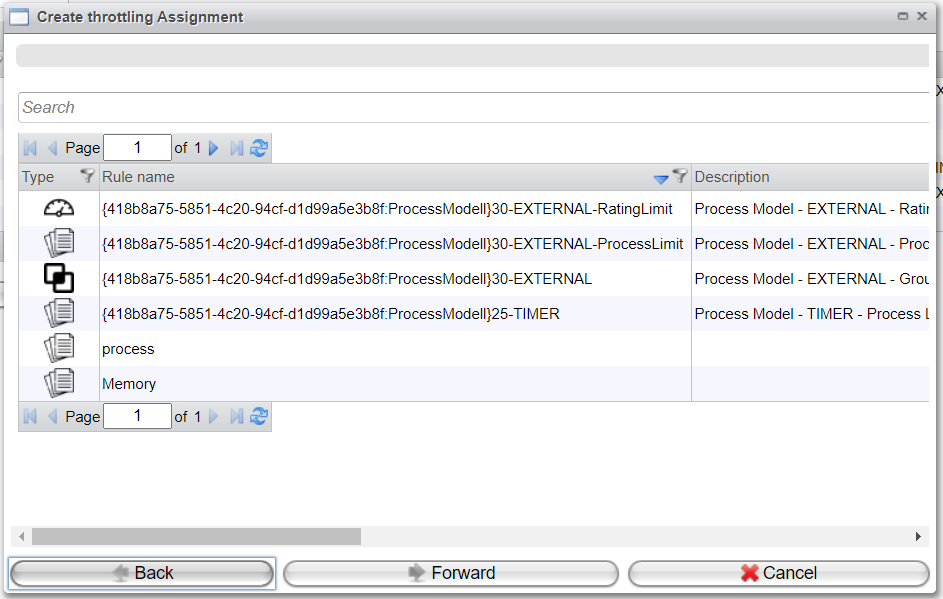
-
Choose a rule that has been created as described in the "Throttling Rules" chapter.
-
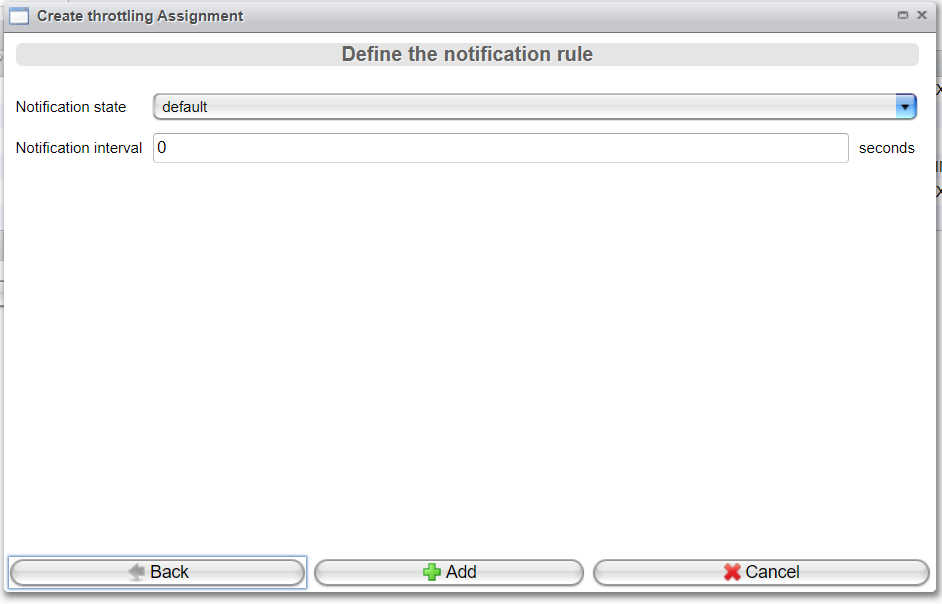
Configure the Notification settings as described in the "Throttling Assignment" chapter, specifically in the Details View topic.